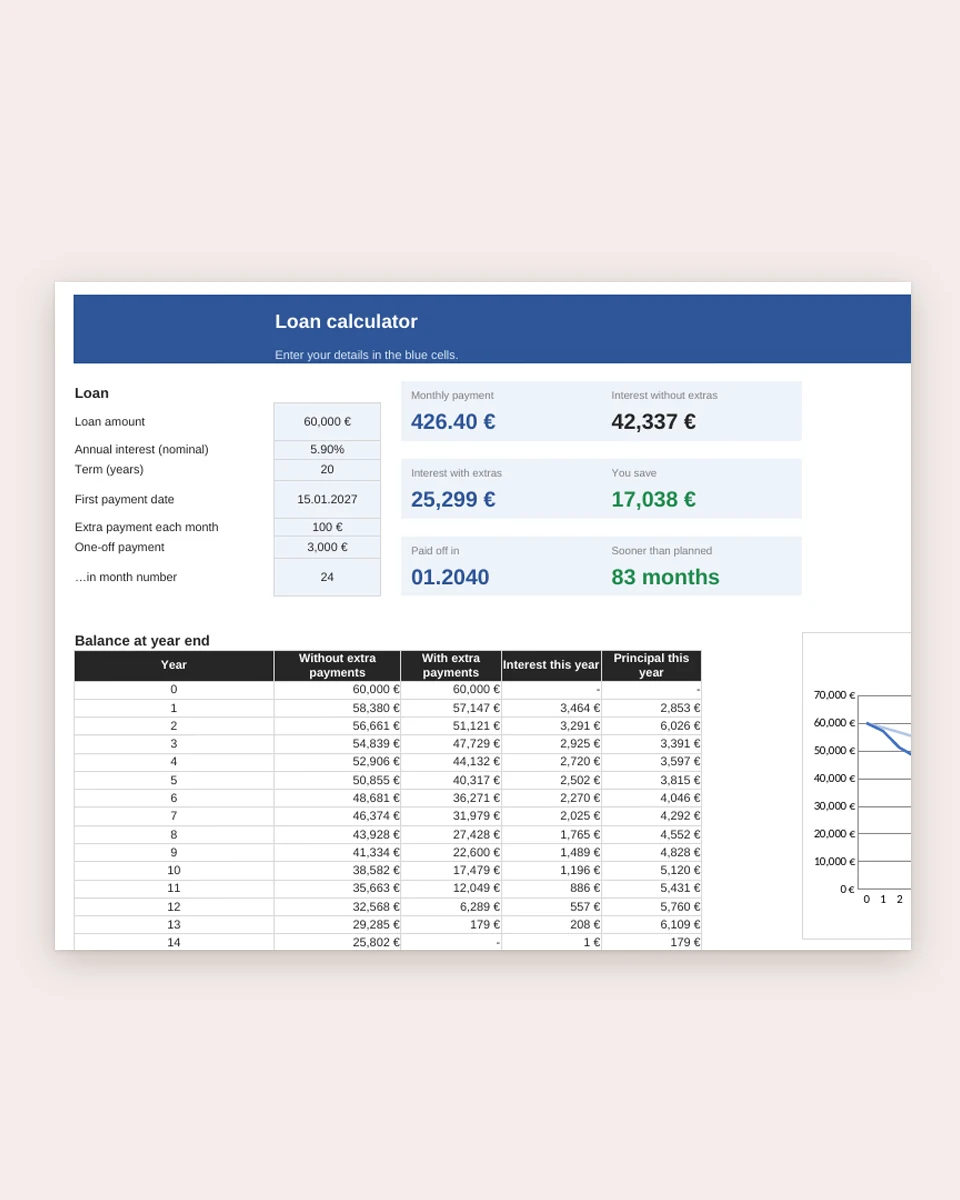
Loan & mortgage calculator
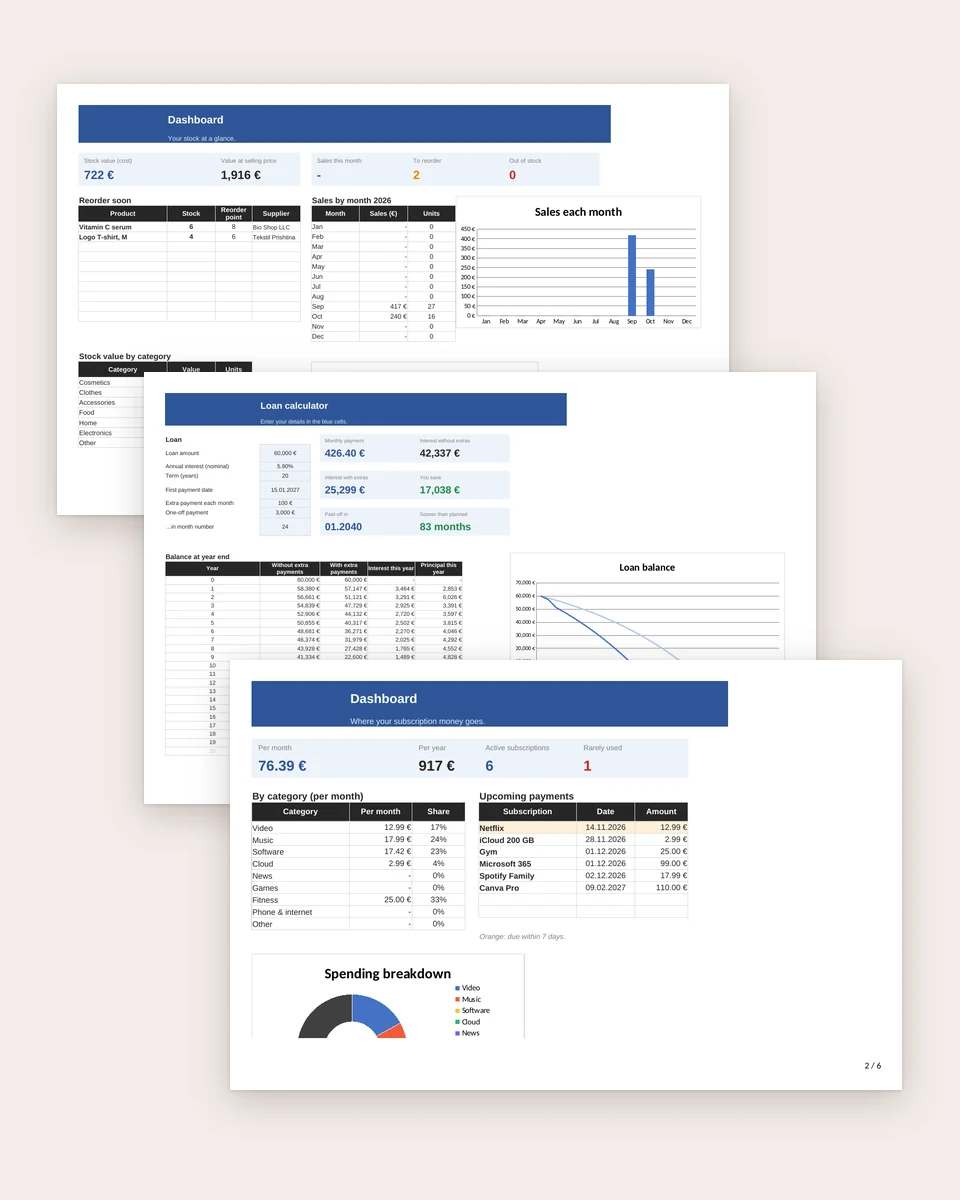
Monthly payment, full amortization schedule, the effect of extra payments, a 4-bank comparison with effective annual cost, and how much you can borrow.
€0.99
Google Sheets · Excel · 68 KB
Instant download. Free updates. Personal license.
Description
Monthly payment, full amortization schedule, the effect of extra payments, a 4-bank comparison with effective annual cost, and how much you can borrow. Works in Google Sheets, Excel and LibreOffice.
What’s included
- Tabs: How to use, Calculator, Payment schedule, Compare offers, How much can I borrow
- Formulas that calculate for you
- Google Sheets, Excel and LibreOffice
How to use it
- Download the .xlsx file.
- Google Sheets: open Google Drive → “New” → “File upload”, then click the file and choose “Open with Google Sheets”.
- Excel or LibreOffice: just open the file.
- Start with the “How to use” tab and fill in only the input cells; everything else calculates itself.
License
The personal license allows unlimited use for yourself and your family. Reselling, publicly sharing or distributing the file is not allowed.